Bilingers App
UX/UI Design, Mobile App Development, Backend Development, CMS Panel

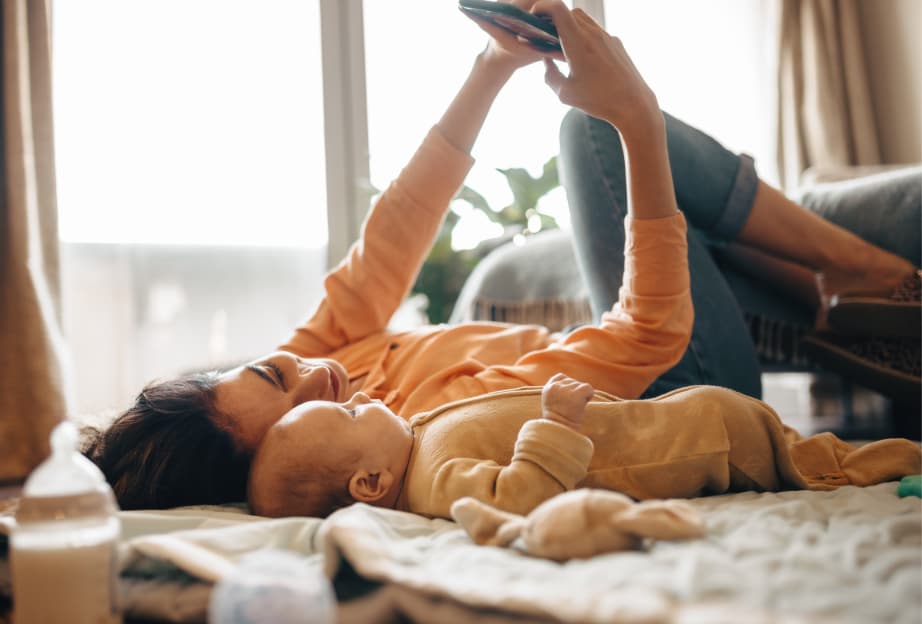
A mobile app supporting children's bilingual development from the first months of life
Bilingers is an educational brand whose mission is to promote bilingualism through language immersion – supporting children in learning English naturally from an early age. The programme is backed by a team of specialists in early childhood and language education who understand the specifics of children’s cognitive development and know how to create an environment that encourages natural language acquisition.
The Bilingers approach is based on the belief that English should not be another “lesson” for a young child. Instead, it should be present in their everyday environment – during play, while listening to songs, performing simple activities, and repeating phrases in a context familiar to the child. Regular contact with the language and its presence in everyday routines help build a bilingual environment from the first months of life.
Until now, the Bilingers programme had been delivered through early childhood education institutions. Bringing this experience directly into the home was a natural next step.
To this end, the Bilingers team decided to create a mobile app that would help parents use the programme every day, choose activities suited to their child’s age, and, above all, incorporate English into the natural rhythm of family life.
- Flutter
- NestJS
- Prisma
- PostgreSQL
- Next.js
- React
- Cloudflare R2
- RevenueCat
- Firebase Cloud Messaging
- PostHog
The Bilingers team needed to create a tool that would allow parents to “immerse” themselves in English together with their child, integrate English learning into the everyday lives of parents and children, and avoid becoming another course to “work through” or requiring users to browse an extensive library of materials.
The idea was to create a simple, repeatable experience: a parent opens the app, receives an activity suited to the child’s age and situation, completes it together with the child, marks it as completed, and returns the next day for another suggestion.
The entire process was intended to be effortless for the user.
Designing it this way, however, required solving several design and technological challenges.
The first challenge was the content itself. The Bilingers team has an extensive library of materials, including activities and songs in various formats. We needed to enable app administrators to conveniently add educational content individually as well as import ready-made materials.
The second challenge was audio. It needed to work exactly like the music-playing apps users were already familiar with. Parents needed to be able to create a playback queue, control playback from the phone’s lock screen, and watch videos with images that remained synchronised with the audio.
The third challenge was content access. Parents could gain access in two ways: through an institution that provided them with a code or by purchasing access through the Apple or Google store. Regardless of the source of access, the app needed to work in the same way and clearly show parents which content was already available to them.
The fourth challenge was analytics. The app needed to allow the Bilingers team to understand how families used its features. Since the users are families with young children, data collection and obtaining the appropriate consents were among the aspects that needed to be considered from the very beginning of product development.
In addition, the app needed to be ready for further development, including a growing number of users and materials, as well as new features. Therefore, from the first version onwards, we needed to plan the architecture in a way that would allow the product to grow and scale without having to rebuild the entire solution.
Together with the Bilingers specialists, we created Bilingers App, an application built on sound methodological principles and the team’s experience in immersive bilingual child-rearing.
We designed and developed the entire solution: a mobile app for iOS and Android built with Flutter, the backend, and a content management panel.
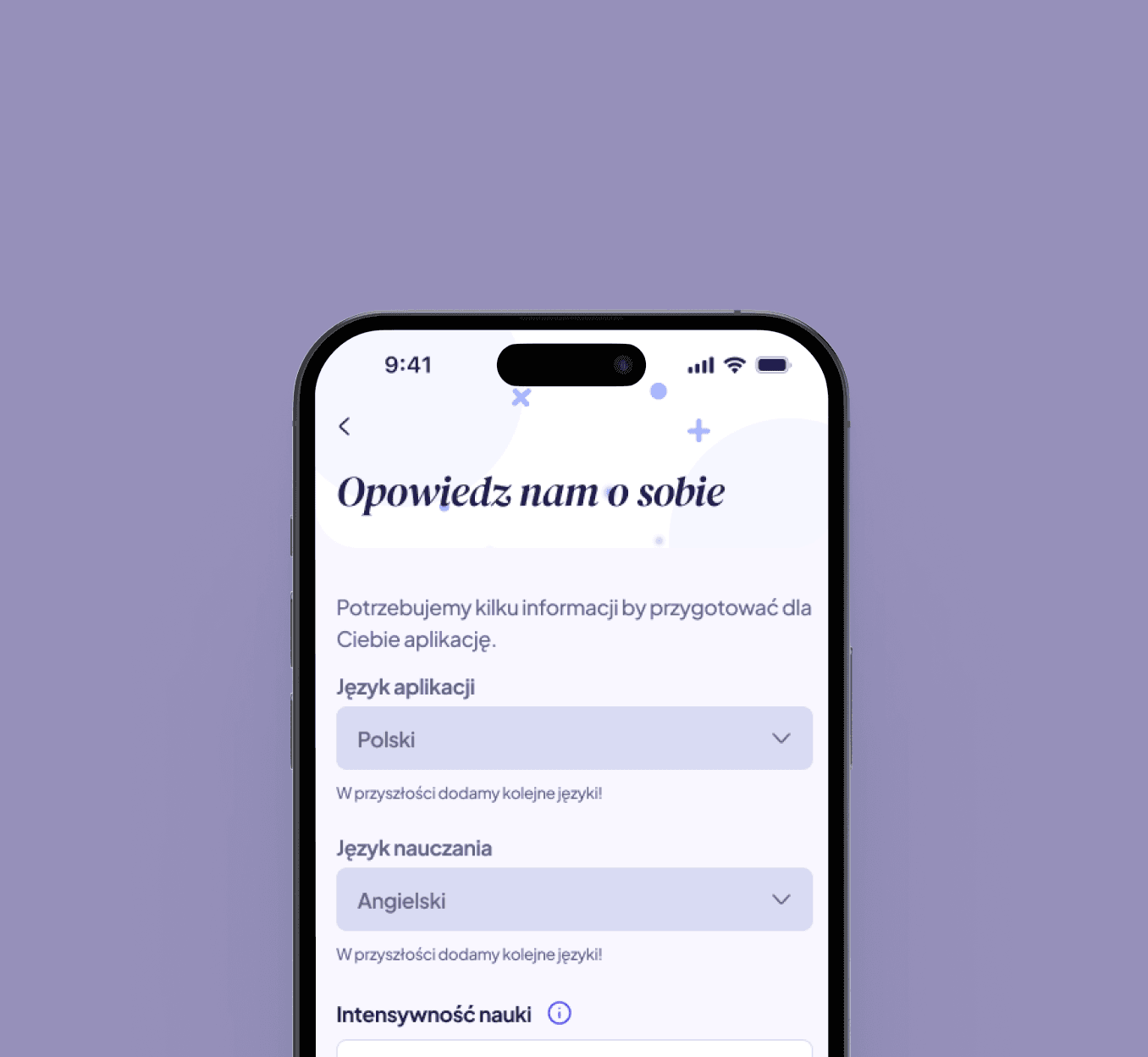
From the outset, our priority was to make the app as intuitive as possible. We kept the registration process to a minimum: parents enter their email address and receive a link that allows them to log in without a password. They then create a child’s profile by providing the child’s name, date of birth, and milestones, meaning the skills the child has already mastered. This information is used to tailor content to the child’s age and developmental stage.
Daily activities tailored to the child
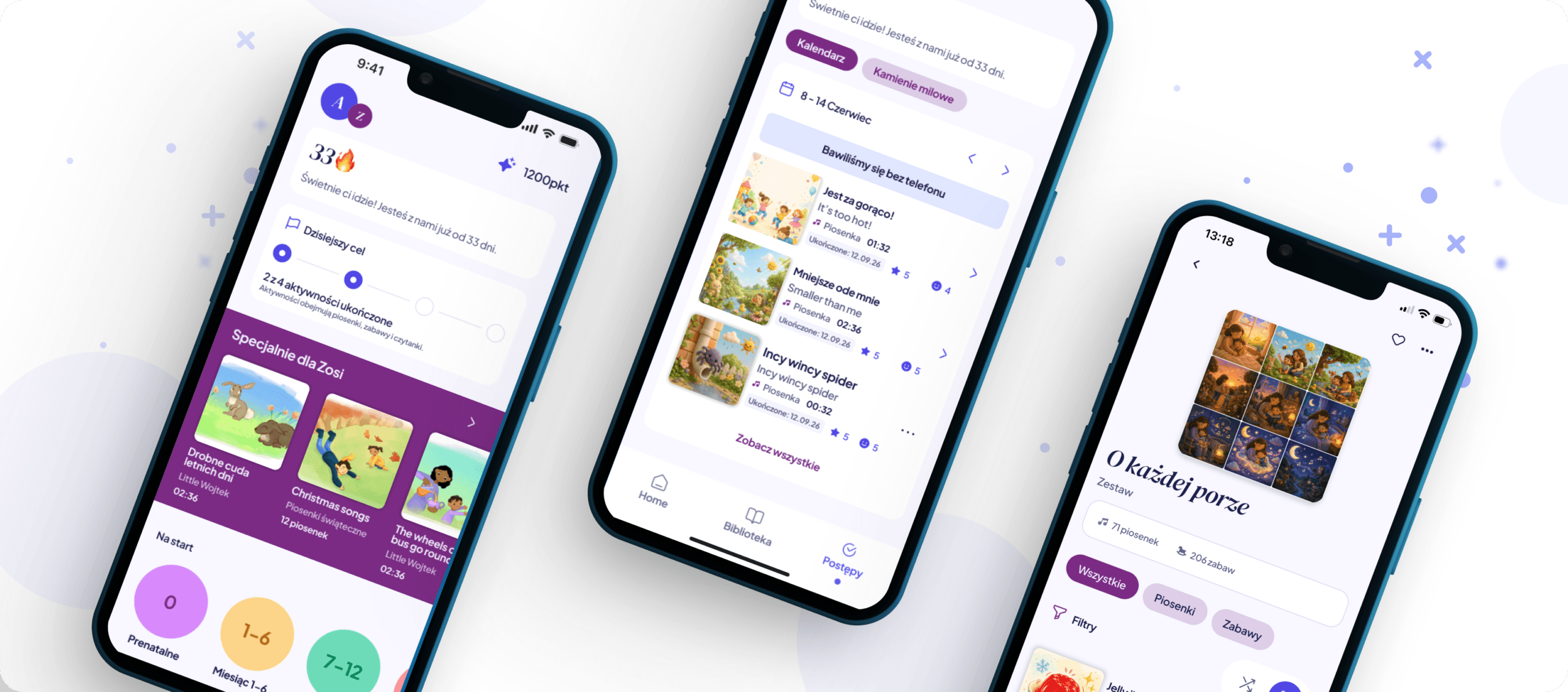
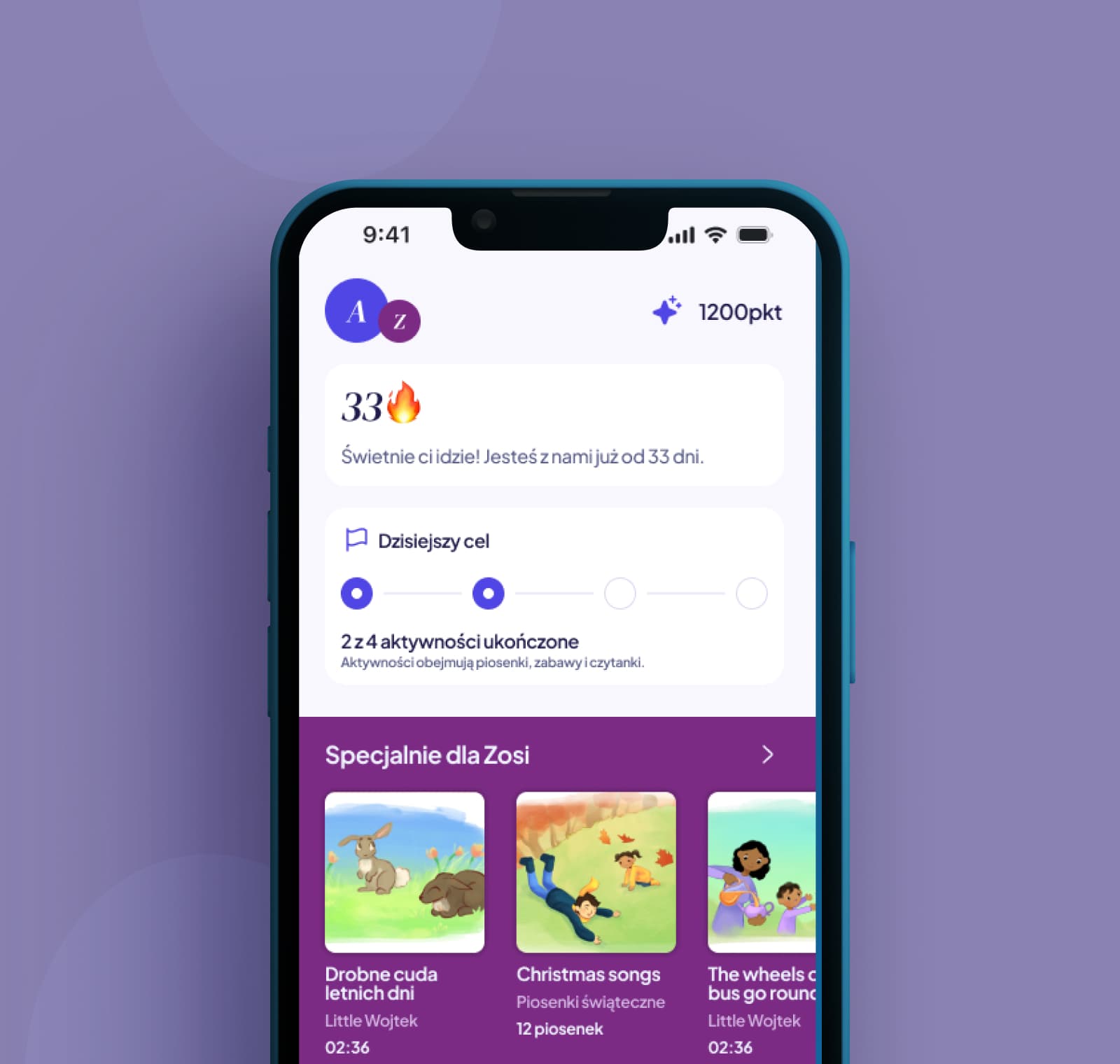
The app’s main screen features recommendations and activity suggestions tailored to the child’s profile. Parents receive five suggested activities and can browse a total of 20 suggestions by selecting the “See more” option. These also include suggested sets and albums that make it easier to choose suitable content without having to browse the entire library.
Recommendations in the dedicated “Specially for Your Child” section are selected at random each day based on the child’s profile and previous activity, ensuring that the suggestions change daily. After completing an activity, parents can mark it as completed and rate their child’s reaction.
Simple content organisation and discovery
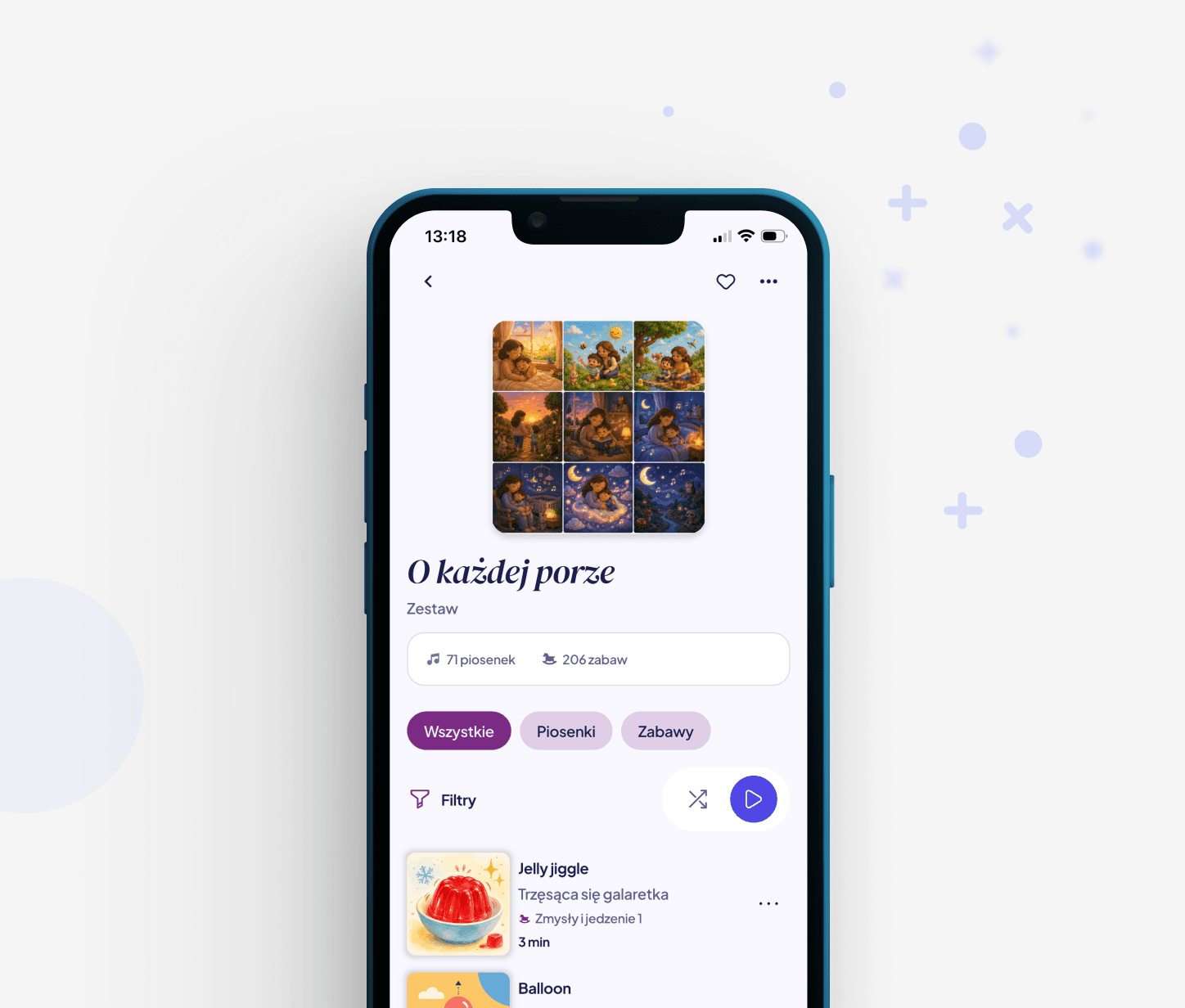
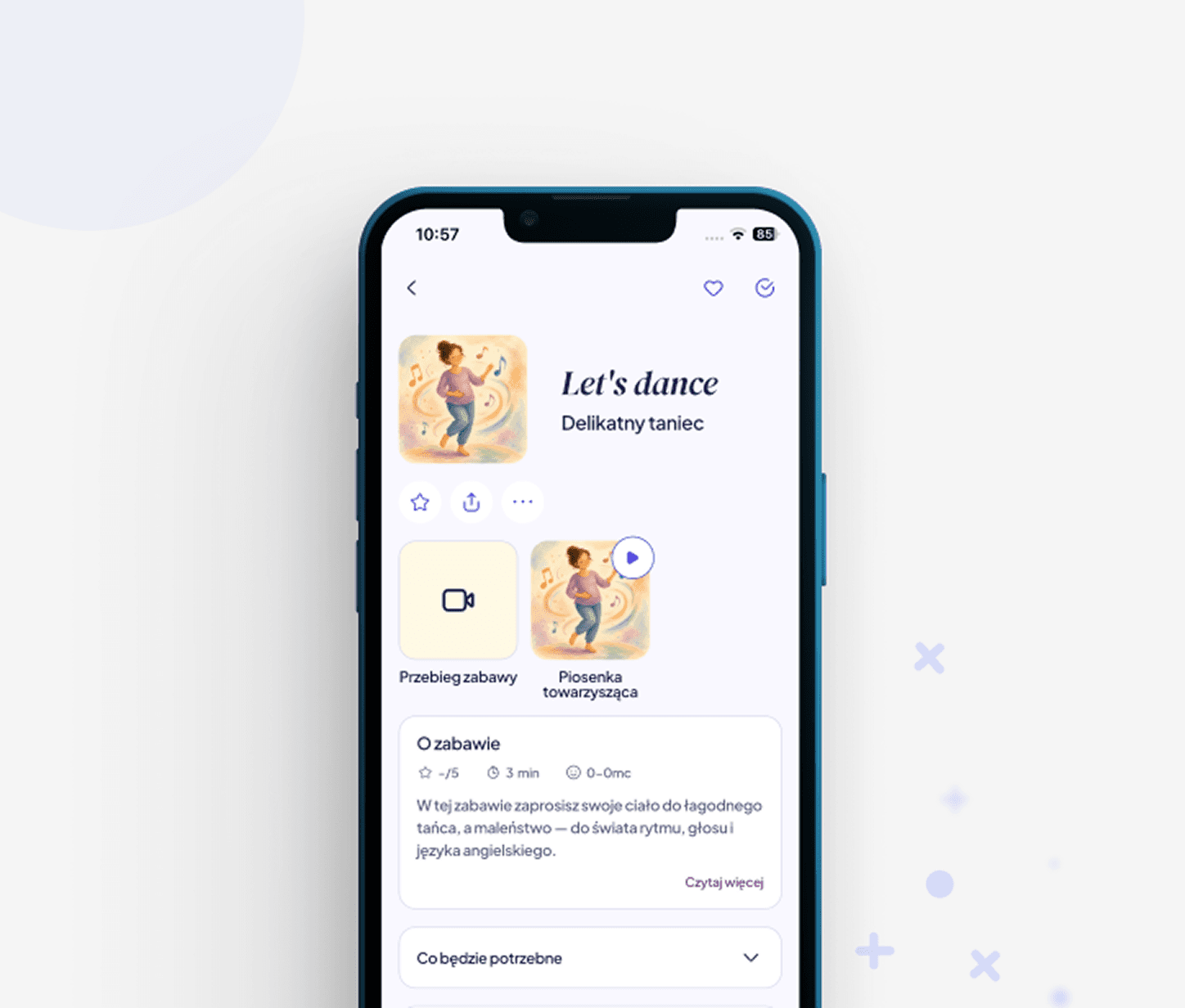
The main content units in the app are play scenarios and songs. Parents can use them directly or discover them through the library and its various content organisation options.
The library allows parents to return to their favourite and previously completed content. It stores, among other things, liked materials, recently viewed content, and songs.
Admin panel
The Bilingers team also received a dedicated admin panel that allows them to manage the app’s content independently – adding and editing materials, assigning tags, and creating sets, collections, and albums. This means the catalogue can be expanded and organised without involving the technical team every time a change is needed.
At the same time, we track how users interact with the app, including the time it takes to reach the first song, the number of completed activities, and how frequently users return. We collect this data without information that would allow parents or children to be identified.
Audio and multimedia
Every English sentence used in the play scenarios has an assigned voice recording that parents can play independently. The system also supports a playback queue and playback controls accessible from the phone’s lock screen. For video content, the image remains synchronised with the audio.
Gamification and building consistency
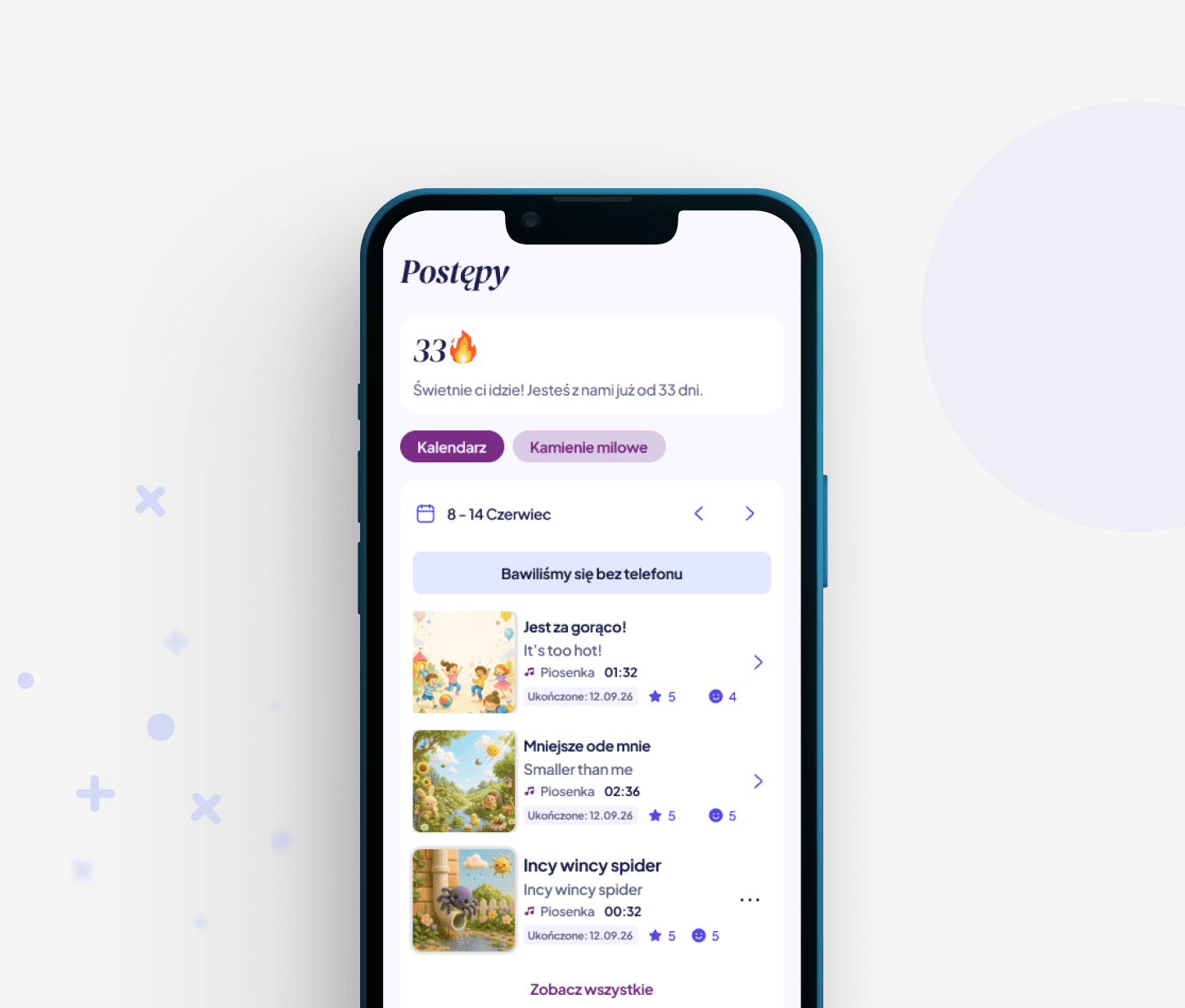
The app uses gamification mechanisms to encourage regular use of the programme. Parents can see the number of completed activities and their streak, meaning the number of consecutive days they have used the app. Points are awarded for actions such as returning to the app, maintaining a streak, and rating activities. We also introduced a weekly points limit to ensure that the system rewards consistency rather than intensive, one-off use.
Parents can also set their preferred time to receive reminders to return to the app. All completed activities are saved in a calendar, where parents can also add their own notes, for example, about the first word their child repeated in English.
A solution designed for further development
The solution’s architecture was designed with a growing number of users and materials, as well as further product development, in mind. This allows Bilingers App to evolve alongside the programme and new features without requiring the entire solution to be rebuilt.

Bilingers educational content management
Bilingers materials are organised using a content configuration tool that we built into the admin panel. Editors can add materials without the involvement of a developer, while the mobile app recognises the individual elements and knows how to display them. The CMS also allows categories and sets within the app to be managed.
Advanced audio and video player
Playtime and singing often take place while parents are holding their children, so the phone may end up in a pocket or be placed face down, while the music should continue playing.
We developed our own player module that runs in the background, supports lock-screen controls, and displays a mini player within the app. Parents can switch between songs, shuffle albums, and manage the queue. If the queue contains content they do not have access to, the app automatically skips it instead of stopping playback. Video remains synchronised with the audio even when the screen is turned off, and when users return to the app, the image synchronises with the audio track again.
Access to the full content library in two ways
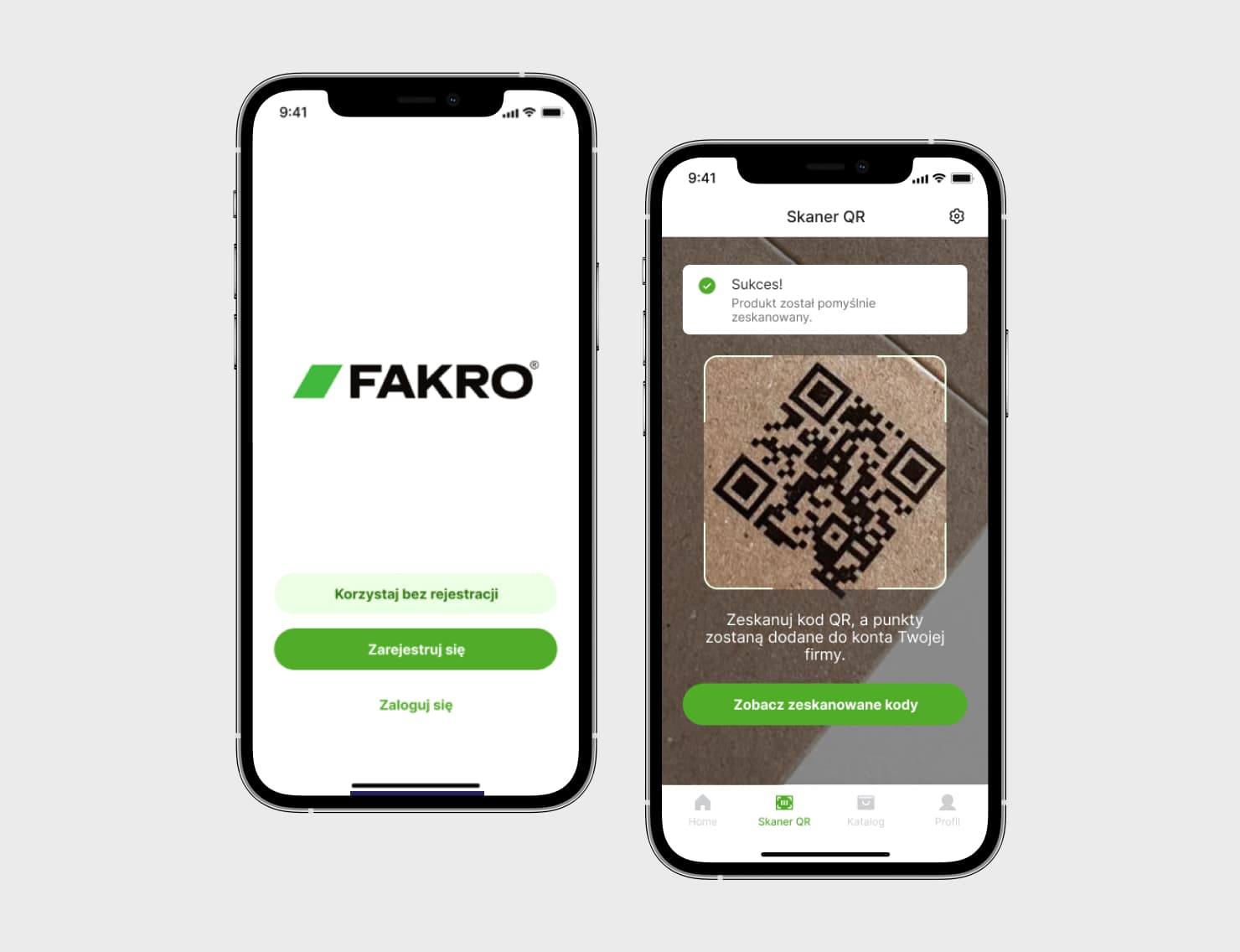
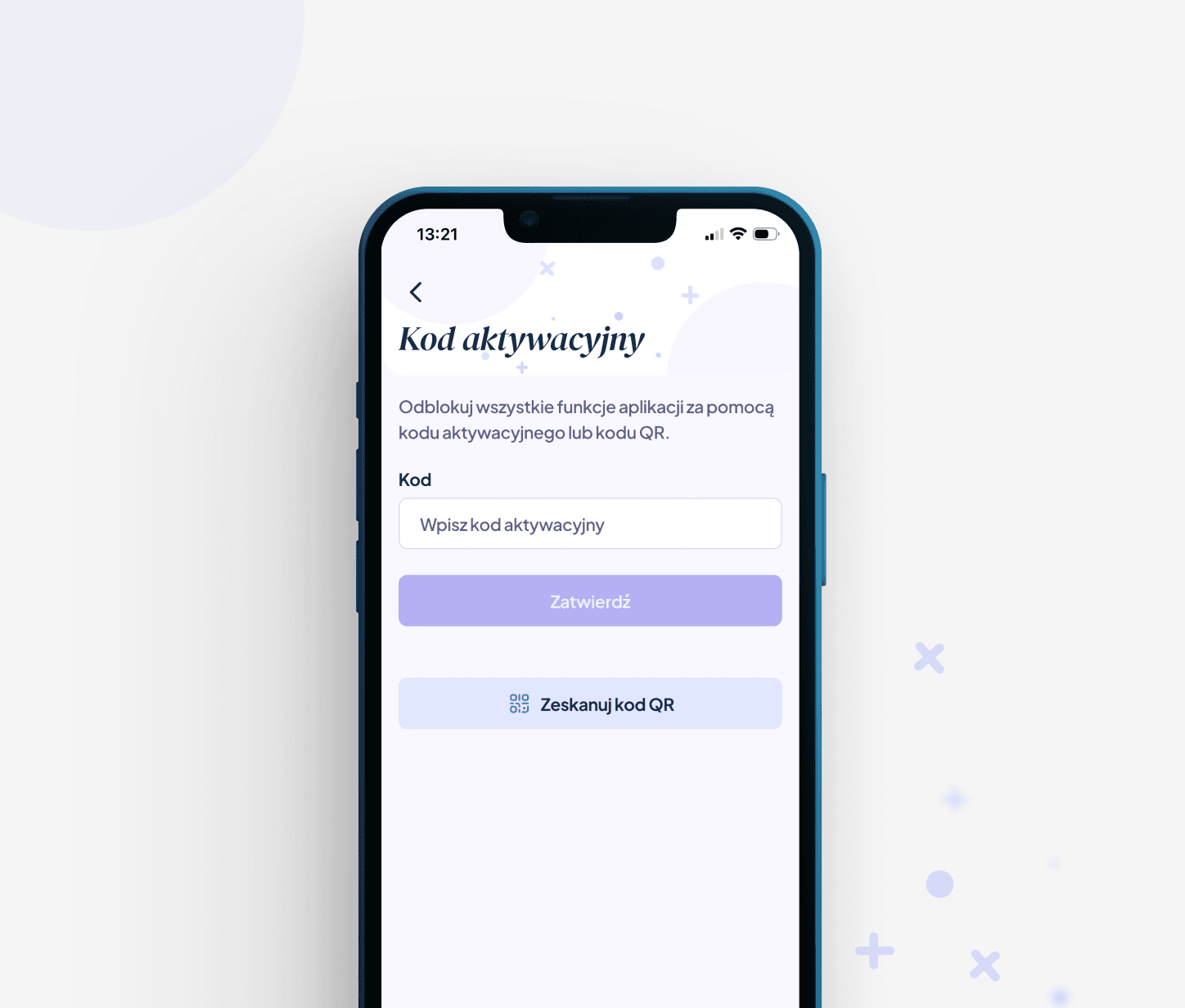
In addition to access through subscriptions in the App Store and Google Play, the app is also available to families who have received access through an institution. The Bilingers team can generate one-time codes in the admin panel and provide them to institutions for distribution to families. Parents can enter a code manually or scan it using their phone’s camera, and QR codes can be generated individually or in batches ready for printing.
We use RevenueCat to manage subscriptions. It stores entitlement information regardless of the source of access. A code activates access as soon as it is entered, without waiting for confirmation from an external system. This allows Bilingers to distribute access through institutions and sell subscriptions via the App Store and Google Play simultaneously, without creating two separate access flows within the app.
Architecture ready to scale
The Bilingers team manages all app content independently, without needing to involve developers. Material files (audio, video, and PDF files) are stored in the cloud and delivered to users through a CDN (a network of servers distributed across different locations), which allows materials to be downloaded faster. The database stores only links to the files, not the files themselves.
This is important given the planned growth of the catalogue, from approximately 300 content units to thousands. Expanding the library should not mean additional tasks for the technical team, so Bilingers can add and organise materials directly through the admin panel.
An app that supports bilingualism from the earliest years

A song and an idea for what to do with it

Lyrics to take with you
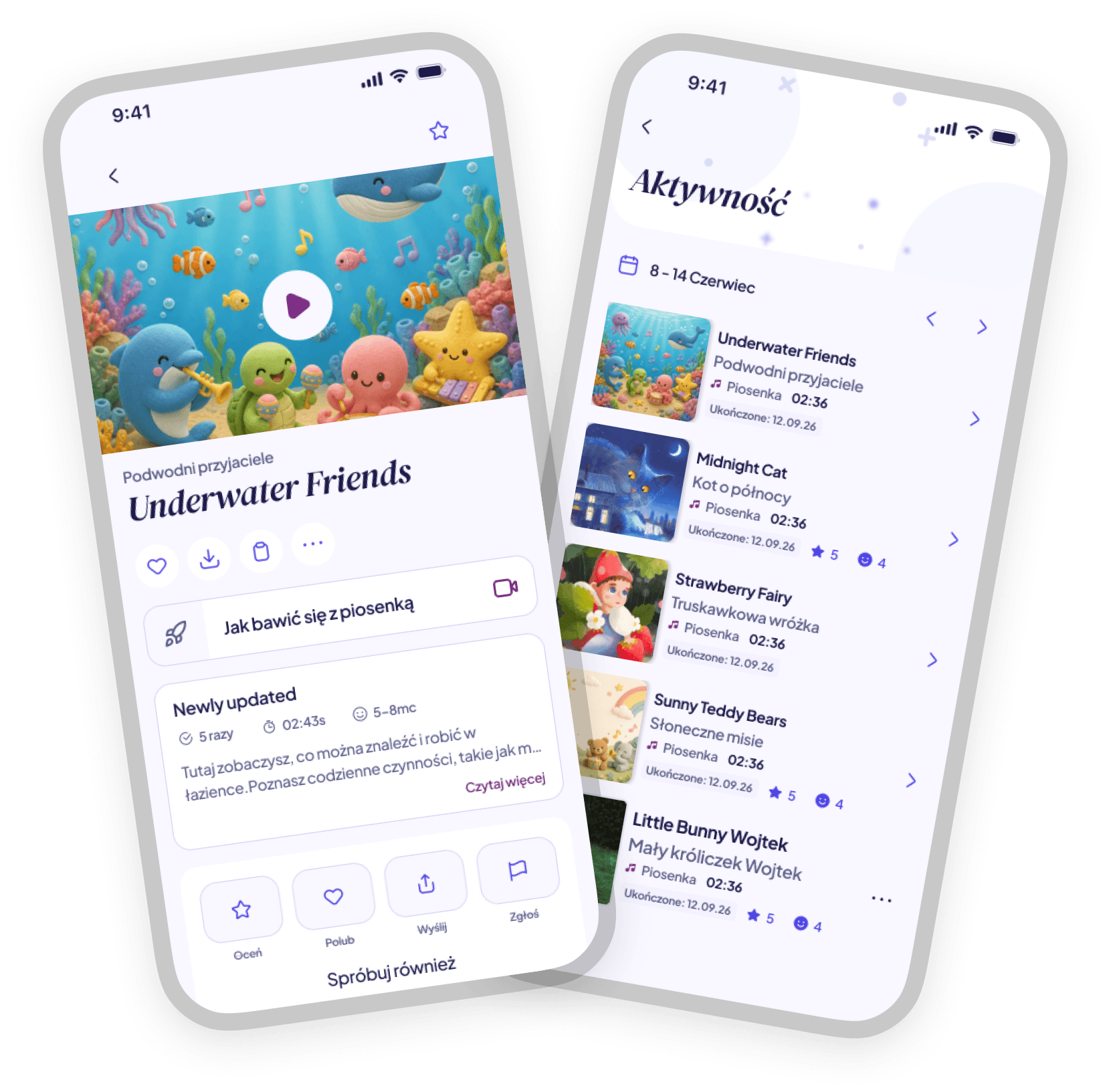

The week in one view

One question after play